> For the complete documentation index, see [llms.txt](https://gameday-squad.gitbook.io/gameday-squad/llms.txt). Markdown versions of documentation pages are available by appending `.md` to page URLs; this page is available as [Markdown](https://gameday-squad.gitbook.io/gameday-squad/getting-started-how-to-play/creating-an-account.md).
# Creating An Account
Join the squad!
GameDay Squad is a **free-to-play fantasy sports platform** where you can build your own digital squads, compete in weekly competitions, and win prizes across multiple sports.\
To get started, you’ll need to create a GameDay Squad account which will allows you to manage your teams, track your progress, and participate in competitions through the mobile app or website.
Coaches can sign up using one of the following methods:
* Email and Password
* Gmail Login
* Apple Login
### Step by Step Sign Up Process
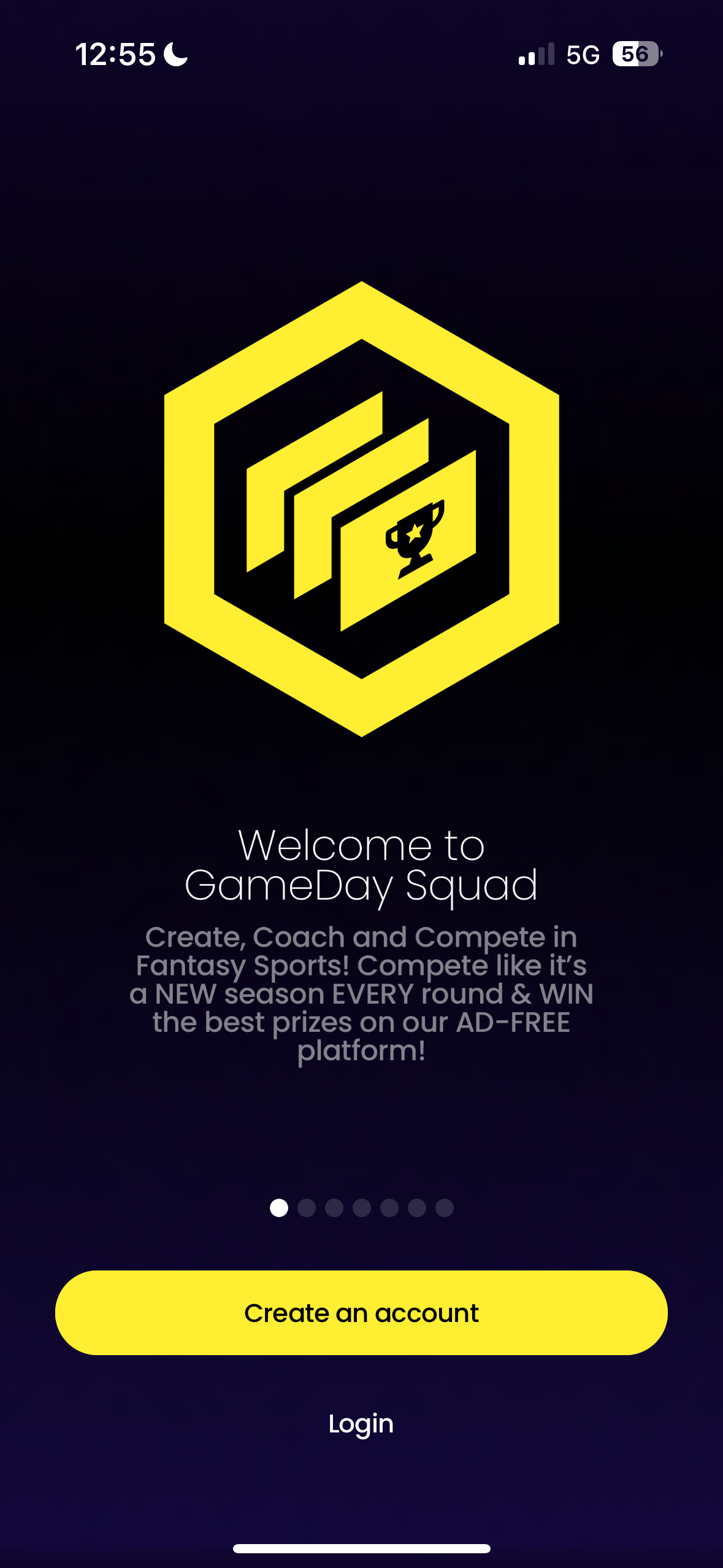
1\. Select **Create an account**
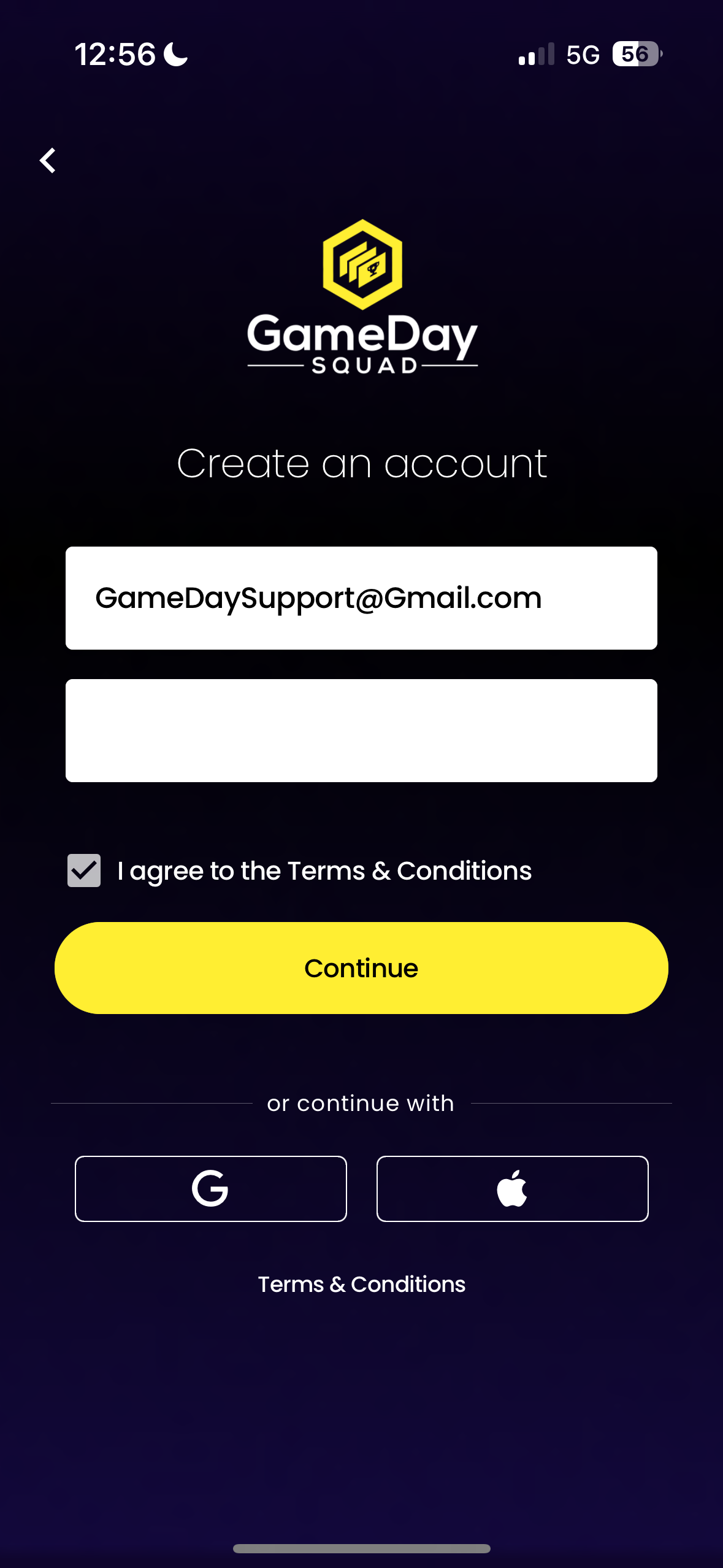
2\. Choose one of the three available sign up methods and agree to the platform’s Terms and Conditions:
* Email and Password (Shown in example below)
* Gmail Login
* Apple Login
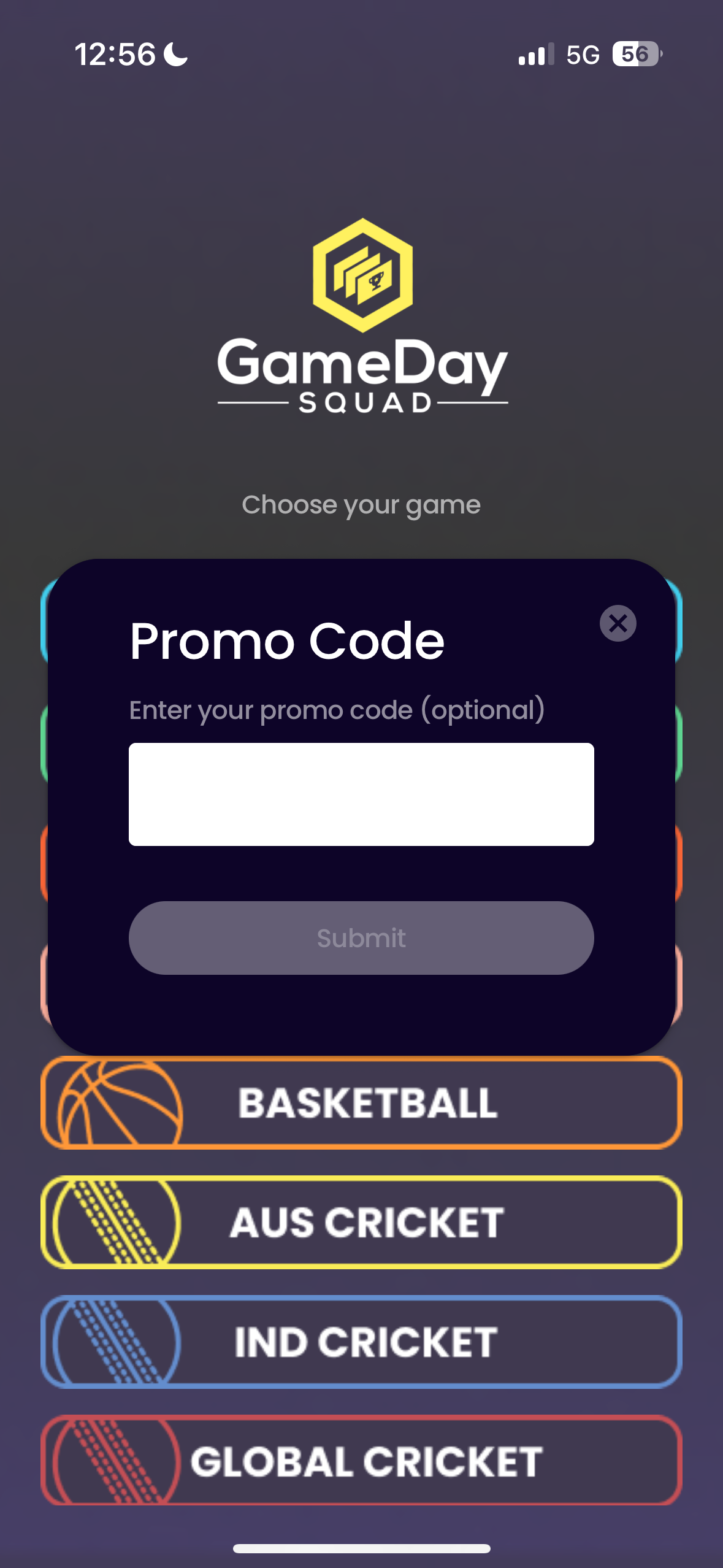
3. **Optional:** If you have a **GDS Partner Promo Code**, you can enter it here during the sign up process. A confirmation message will appear to let you know whether the code is valid or not.
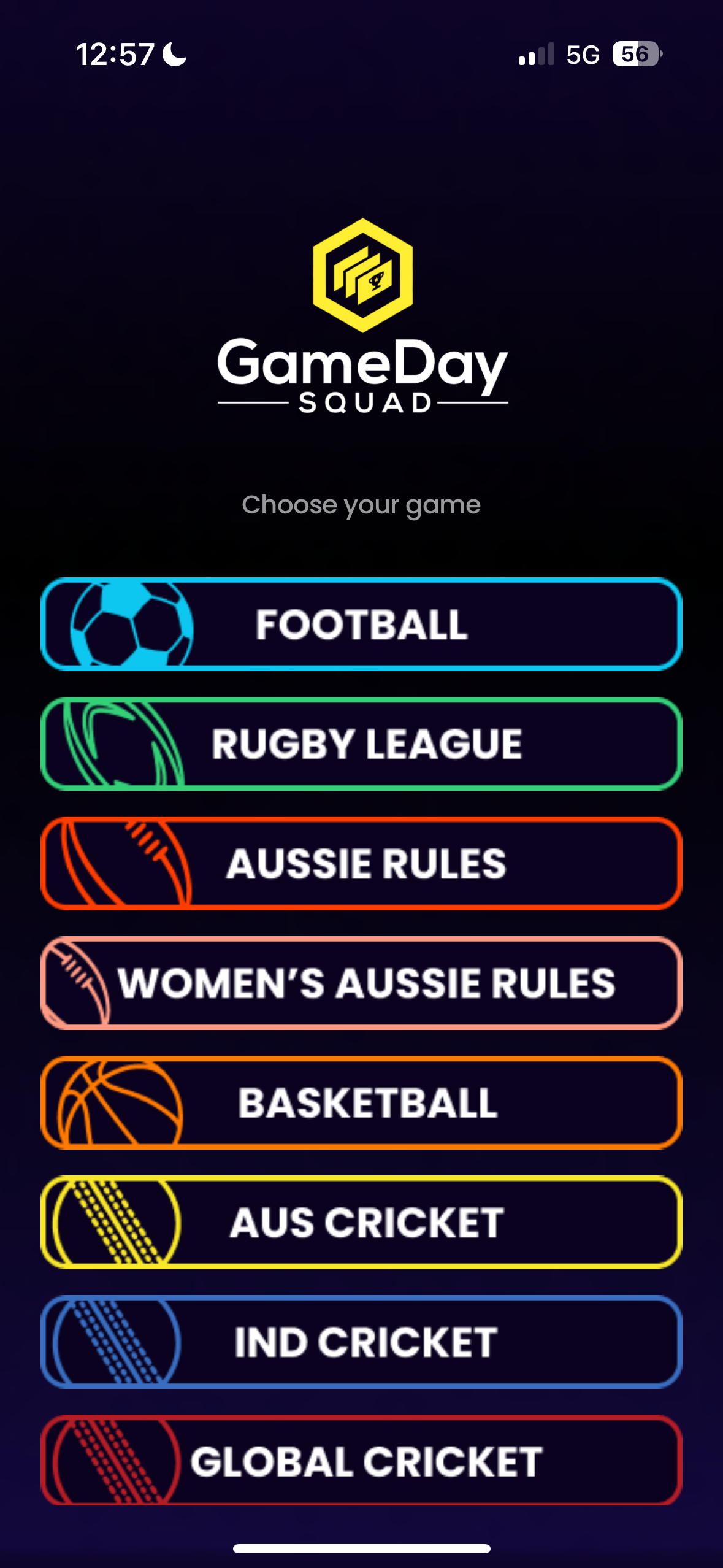
4\. Select the **first sport** you would like to get started with. You can return later to add and play other available sports at any time.
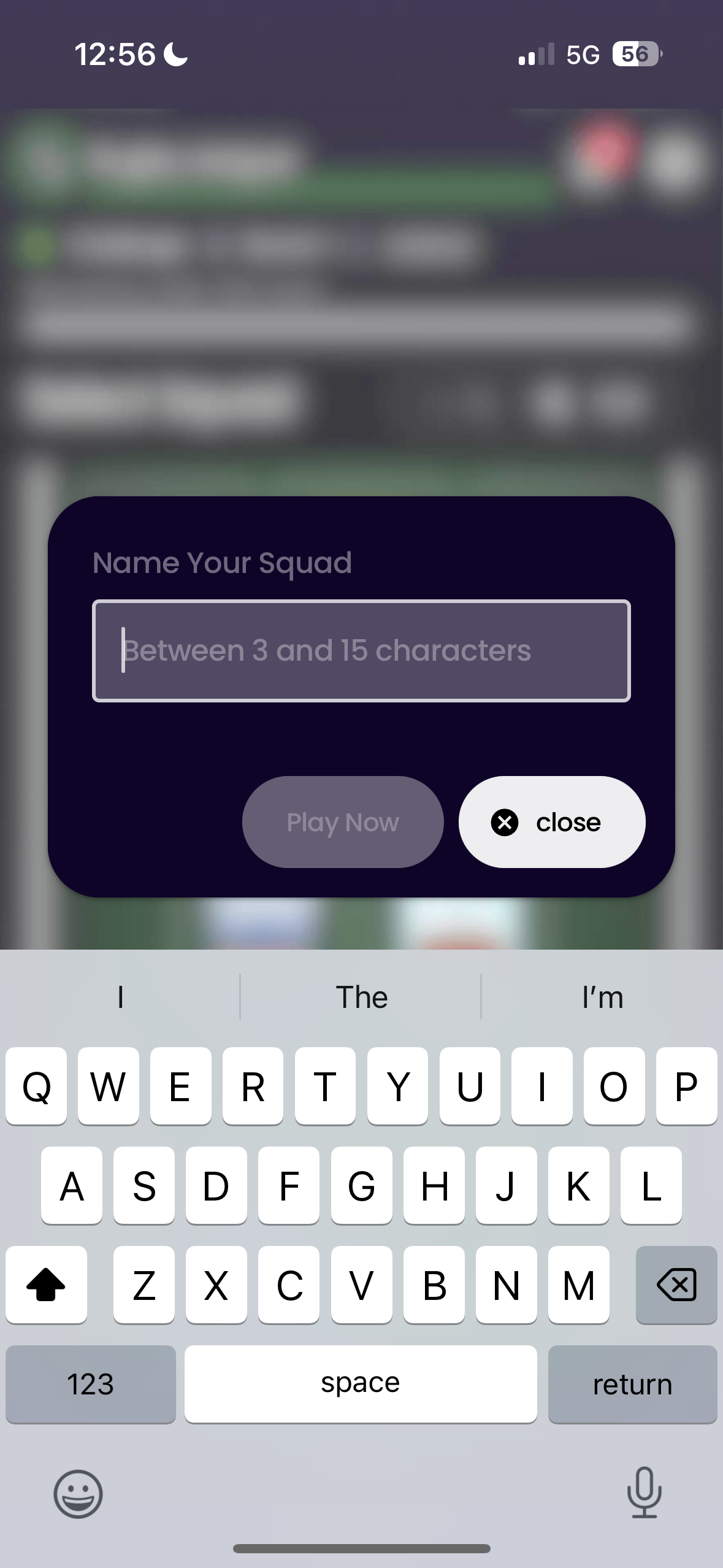
5\. The final step is to **name your first squad**. This name must be **unique** and within the specified **character limit**. Please note that squad names **cannot be changed** once created.
5\. Now that you have created your first squad name, the [Onboarding Tutorial ](/gameday-squad/getting-started-how-to-play/onboarding-tutorial.md)will guide you through the basics of how to get started and help you understand the key features of the platform.
#### Signing Up with Apple or Gmail Logins
Instead of signing up with an email and password, users are able to used the Gmail and Apple sign up options in step 2.
Please note with this method users do have the ability and are permitted to hide their email addresses when creating a GameDay Squad Fantasy Platform account but risk missing out on key communications such as transfer market activity, in game notifications, platform updates, prizes and more. Once this action is performed it is unable to be undone.
Example of Gmail and Apple Login Screens: